
Select The Support You Need
How Can We Help?
home
Residential
Residents
store
Business
Business, Hospitality, Temp Events
person
Property Managers
Property Managers, Owners
help_center
Quick Links
Network Status
My Account
How to Pay my Bill
Welcome to Zentro Support
Residential Support
Account_circle
My Account
Billing FAQ
Helpful Tips and General FAQs
Find solutions and tips for your products.
cell_tower
Network Status
Need Help With Your Wi-Fi
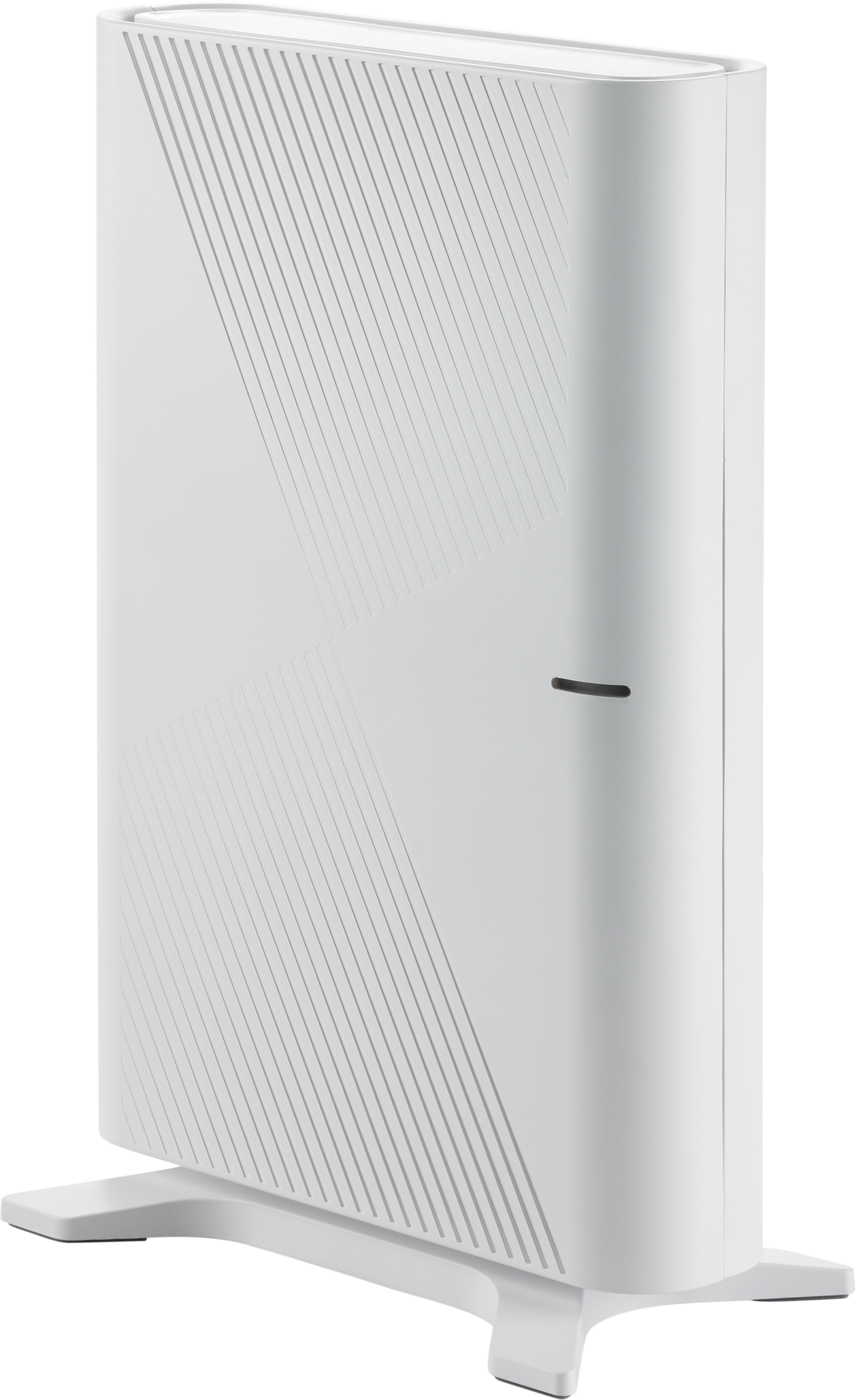
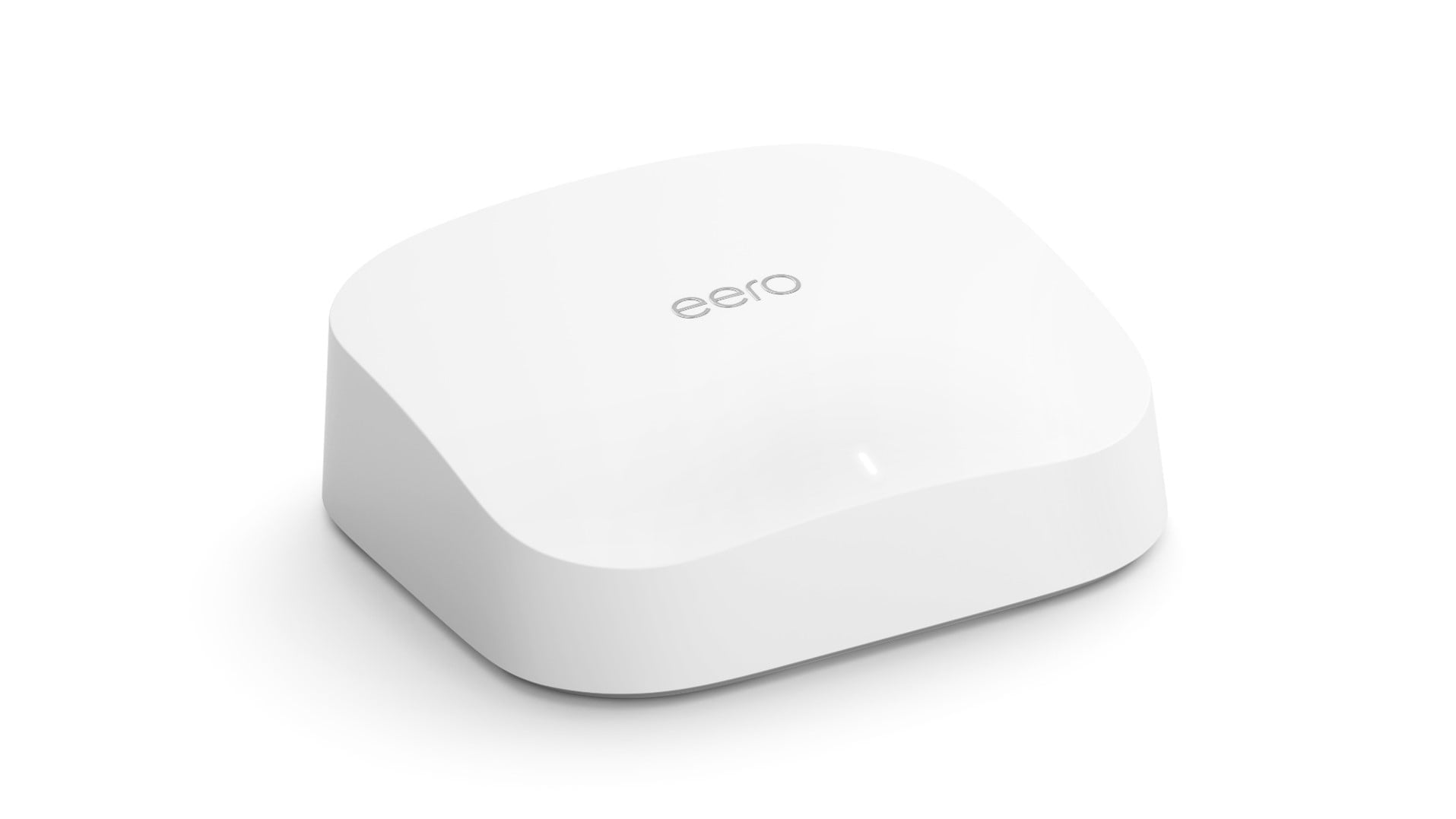
Your Own Router
You are welcome to use your own Wi-Fi router unless a Zentro router is pre-installed in your home. Please be aware that when a personal router is used, the device determines maximum speeds and your Zentro team is not able to provide remote troubleshooting or advanced Wi-Fi support.
Having Wi-Fi issues?
- Check network status
- Make sure you have the latest firmware update
- Reboot your router
- Slow speeds? Check that your router supports the speeds selected
- Other questions? Please refer to your manufacturer’s guide and warranty
Need Help?
Can’t Find The Answers to Your Problems? Contact Us by Phone, Email, or Chat
Welcome to Zentro Support
Business Support
Account_circle
My Account
Billing FAQ
Helpful Tips and General FAQs
cell_tower
Network Status
Need Help With Your Wi-Fi
Need Help?
Can’t Find The Answers to Your Problems? Contact Us by Phone, Email, or Chat
Welcome to Zentro Support
Property Manager Support
Account_circle
My Account
Manage Account Services, User Profile and Contact Information
Billing FAQ
Helpful Tips and General FAQs
Find solutions for your products.
cell_tower
Network Status
Redeem
Property Manager Referral Rewards
Refer Residents and Get Rewarded
Need Help With Your Wi-Fi
Your Own Router
Residents may use their own Wi-Fi router unless a Zentro router is pre-installed in their unit. When a personal router is used, the device determines the maximum speed, and the Zentro team is not able to provide remote troubleshooting or advanced Wi-Fi support.
Tips for residents with their own router:
- Check network status
- Make sure you have the latest firmware update
- Reboot your router
- Slow speeds? Check that your router supports the speeds selected
- Other questions? Please refer to the manufacturer’s guide and warranty
Need Help?
Can’t Find The Answers to Your Problems? Contact Us by Phone, Email, or Chat